
Free AI Image Enhancer: Unblur Photos into Crystal-Clear Images
Transform blurry photos into crystal-clear results in seconds with our AI image enhancer online. It is 100% cloud-based, needs zero setup, and gives every user a free first enhancement.


Upload to get high resolution of images
By uploading an image or URL you agree to our Terms of Use and Privacy Policy.
No image? Try one of these:
Advanced Features of Our AI Image Enhancer
Specialized AI tools to improve image quality, recover fine details, and upscale photos to 4K for professional use.
Enhance Quality
Improve overall image quality — color, contrast, sharpness, and noise reduction all in one click. The ultimate picture enhancer for any photo.
Upscale to 4K
Transform any image into stunning 4K Ultra HD with our AI photo enhancer. AI generates real detail for crisp 3840×2160 output — far beyond basic resizing.
Unblur Text & Images
Make blurry text and images readable again. Restore clarity to screenshots, scanned documents, and out-of-focus photos.
Denoise Image
Remove noise and grain from photos taken in low light or high ISO. AI denoising preserves detail while eliminating artifacts.
Restore Old Photos
Restore old, faded, and damaged photos with AI. Fix scratches, repair tears, revive colors, and recover facial details automatically.
Enhance PDF
Improve image quality inside PDF documents. AI enhances embedded photos, charts, and graphics without touching text or layout.
Upscale Images with AI Precision
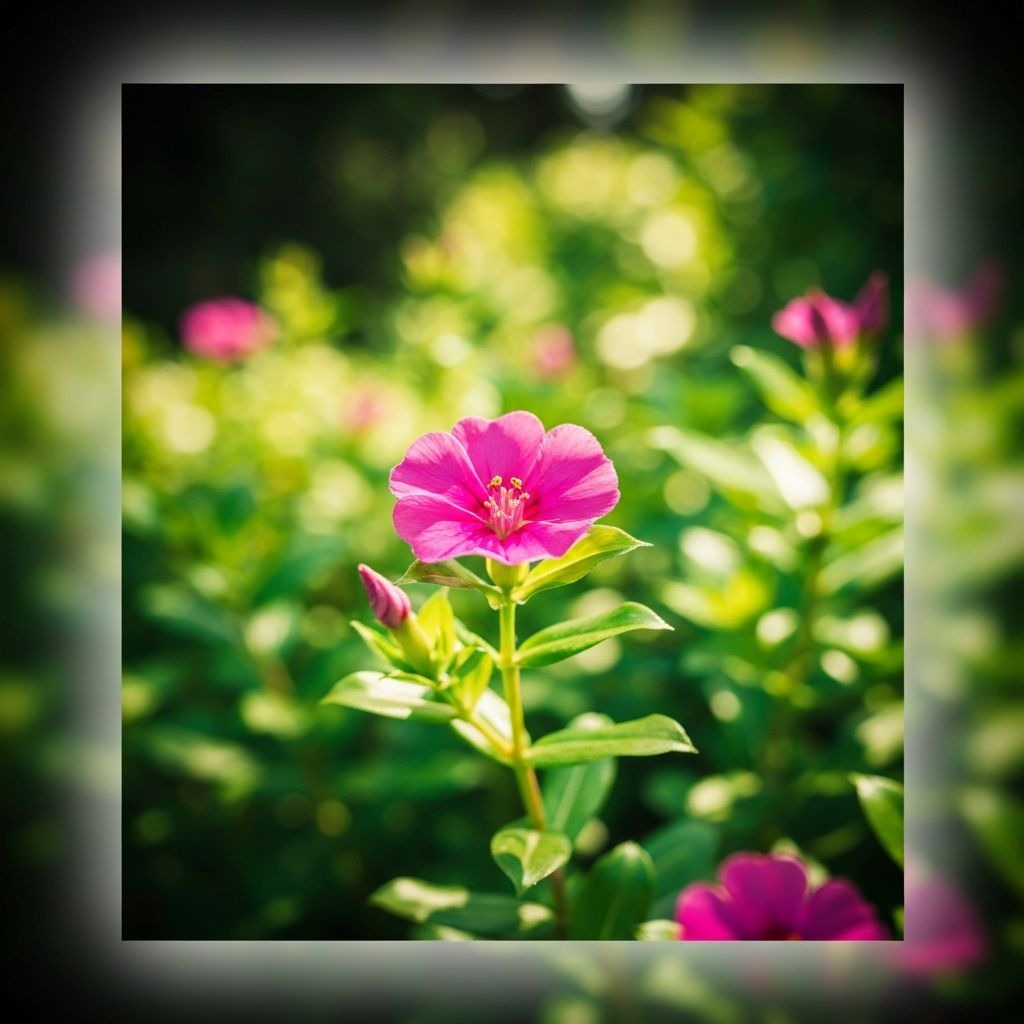
Enhance Photo Quality Instantly
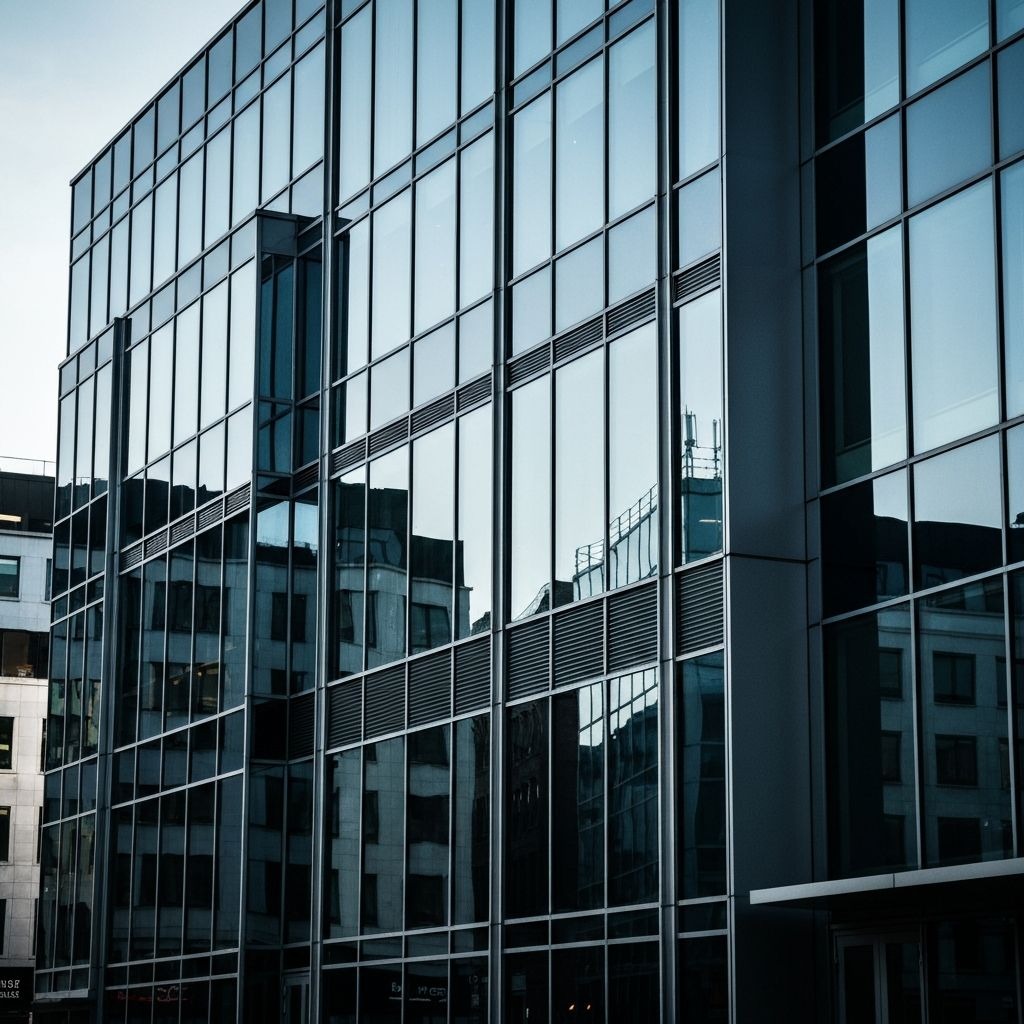
Restore Clarity from Blurry Photos
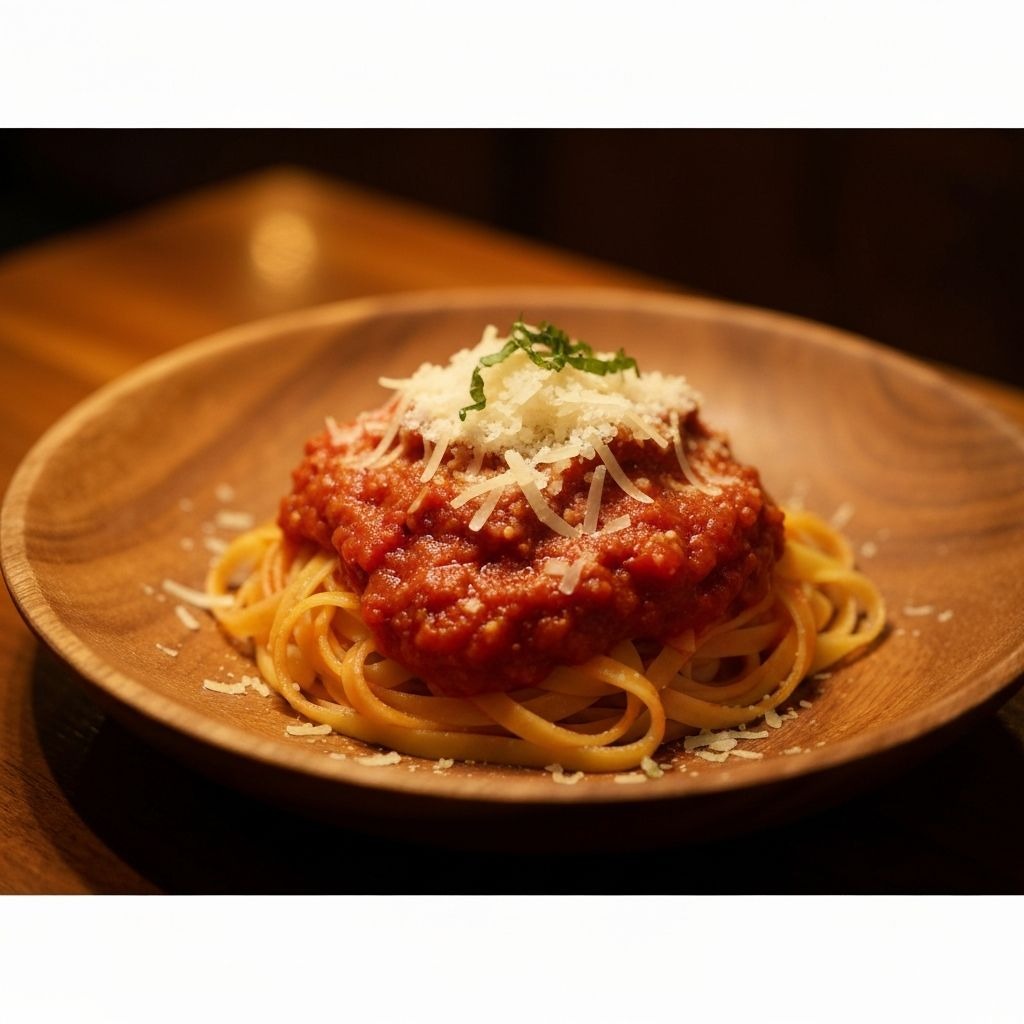
Elevate Your Creative AI Generations
How Our AI Image Enhancer Works
Enhance photos in four simple steps — no technical skills needed.
Upload Your Image
Drag and drop or click to upload your image. Supports JPG, PNG, WebP, BMP, TIFF, and HEIC formats up to 10MB.
AI Analyzes & Enhances
The AI automatically detects blur, noise, low resolution, and color issues — then applies targeted corrections to each problem area like a professional photo enhancer.
Adjust Settings (Optional)
Fine-tune the result by choosing enhancement level, output resolution, or specific tools like upscale, sharpen, or unblur.
Download Your Result
Preview the enhanced image side-by-side with the original, then download in full resolution. Subscribe to download without watermark.
Why Choose Our AI Image Enhancer
Built with cutting-edge AI models trained on millions of images for high-quality enhancement results.
One-Click Enhancement
No complex settings needed. Upload your image and get professional-quality results instantly.
Up to 8x Upscaling
Enlarge images to 4K or 8K resolution while preserving sharpness and adding realistic detail.
100% Cloud-Based
No software to install, no GPU required. This photo enhancer runs entirely in the cloud — open your browser and start enhancing on any device.
Instant Processing
Most enhancements complete in under 10 seconds. Our optimized AI pipeline delivers fast results without sacrificing quality.
All Formats Supported
Works with JPG, PNG, WebP, BMP, TIFF, and HEIC. Output in your preferred format with adjustable quality.
Privacy First
Uploads are encrypted in transit and your original photo is deleted within 24 hours. Enhanced results stay in your history until you remove them. We never train on or share your images.
Frequently Asked Questions
Answers about free usage, quality, privacy, and how our AI photo quality enhancer works.
Yes. AI Enhance Image uses advanced upscaling to depixelate and unblur photos — removing pixelation, restoring sharp details, and increasing resolution up to 4K. Upload any pixelated image and get a clear, high-quality result in seconds.